
November 11, 2026
You don’t need anyone to explain the enrollment cliff. You’ve been planning around it for years. The secret is focusing on the levers you can control, like the experience a student and their family have the moment they step on campus.
Small things like whether the visit feels welcoming, how easy it is for a first-year to find their lab, and whether students know what’s happening on campus tonight can really make a difference. Digital signage touches every one of those steps. Here are seven ways to put it to work, ready to drop into your 2027 request.
1. Make the campus visit unforgettable
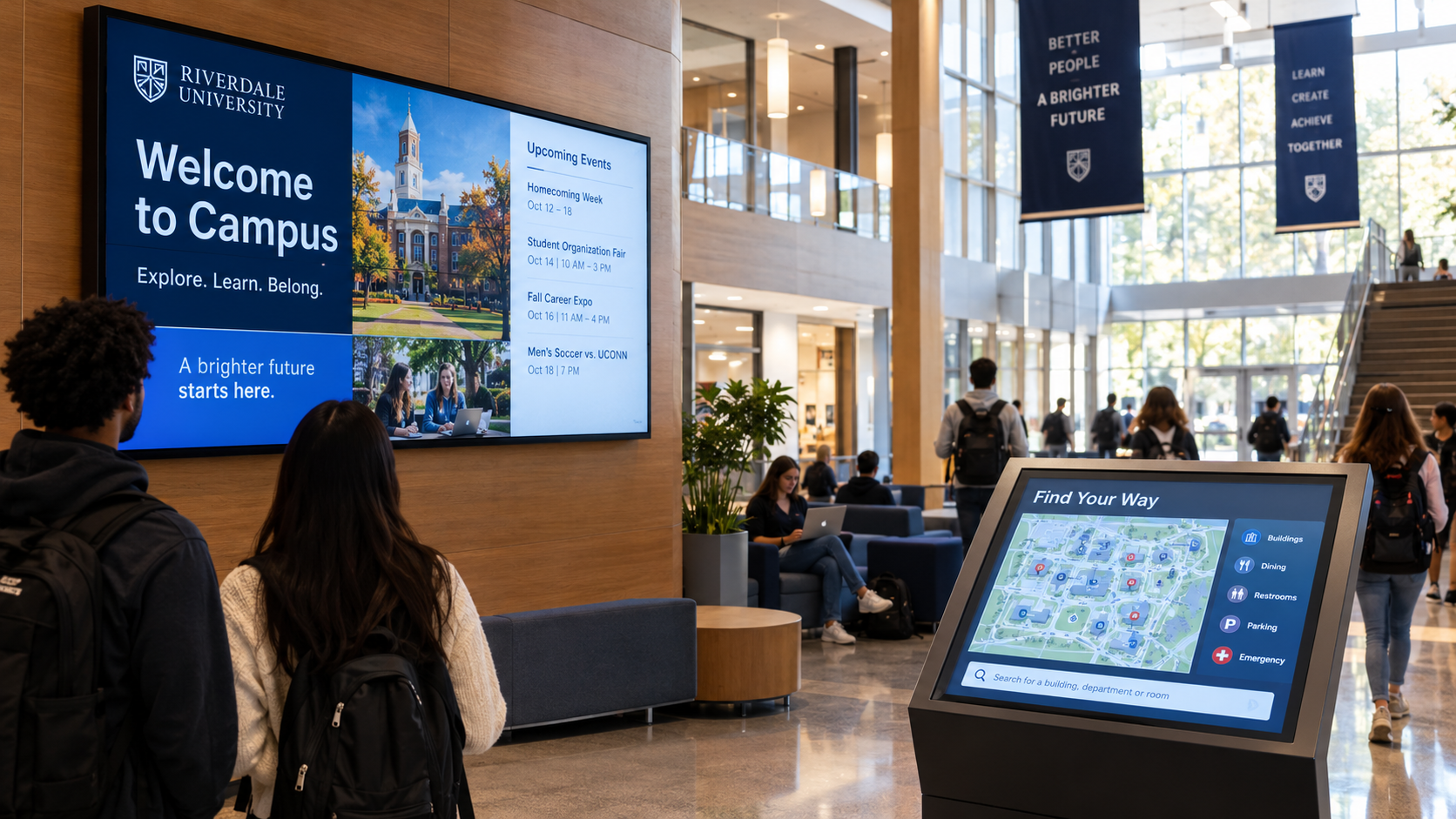
The visit is where a shortlist becomes a decision. Greet each tour group with a welcome screen at admissions. Put live student life on display in the lobby while families wait. Then let interactive wayfinding guide them from parking to the info session without a single wrong turn.
A campus that feels organized and alive in the first ten minutes is a campus families can picture their student going to.
2. Tell your story on the biggest screen on campus
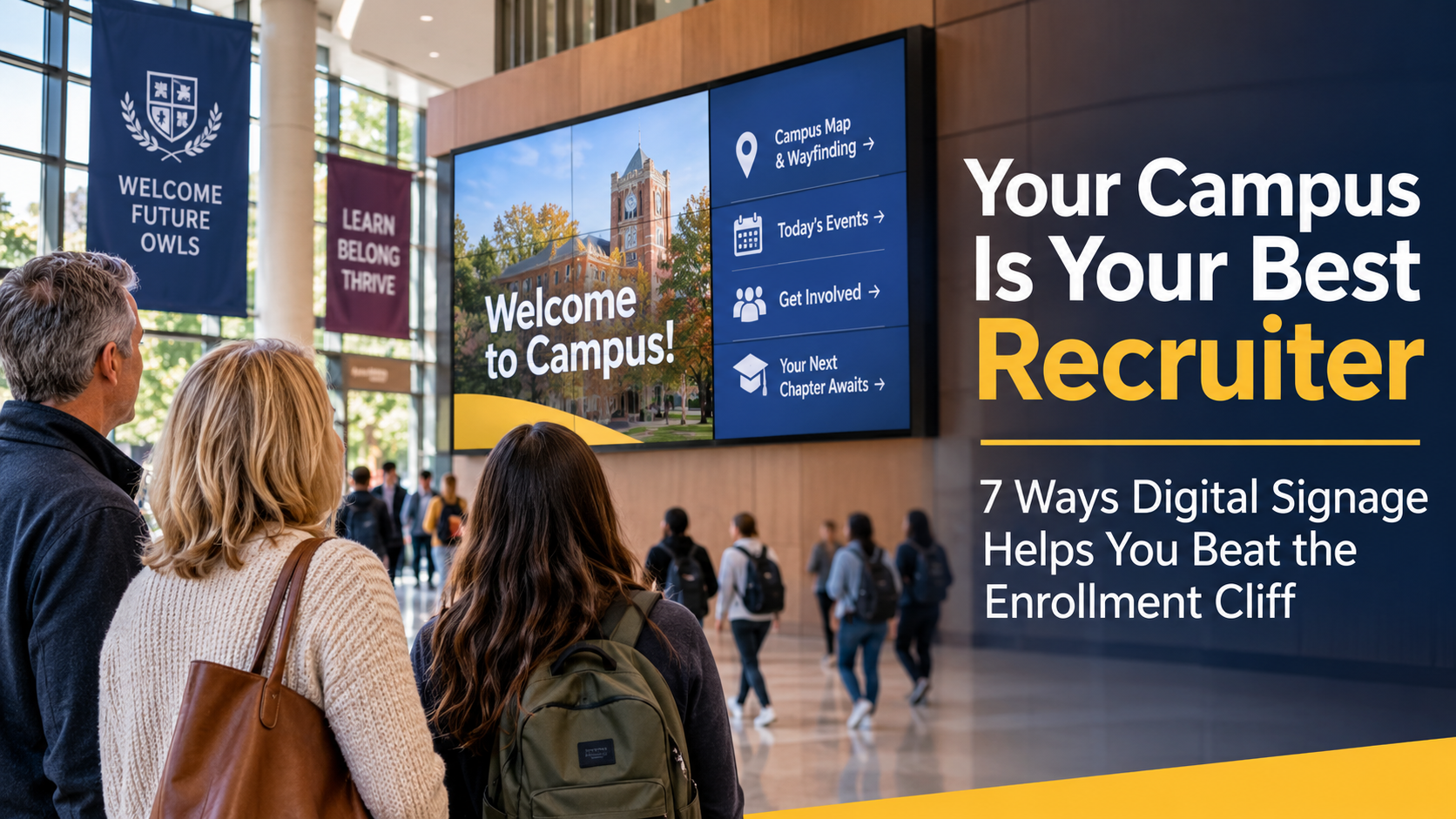
Every school says it has great outcomes, but you can set your institution apart by showing it. A video wall in the welcome center, student union, or library lobby can feature student wins, research breakthroughs, career outcomes, and alumni stories, updated as often as you like.
This is your differentiator on display, seen by every visitor, every day.
3. Help new students find their way from day one
First-years who feel lost in week one are harder to keep in week ten. Interactive maps with accessible routes help new students find classrooms, advising, tutoring, and dining from their very first day. That includes move-in weekend, orientation, and construction detours.
Tools like AI Map File Creation and Map Studio make it fast to update maps every time a building opens or closes, so the map is never the reason someone’s late.
4. Keep students connected (and enrolled)
Winning a student is half the job. Keeping them is the other half. Students who know what’s happening are more likely to show up, join in, and find their people.
Use residence hall and student union screens to promote club fairs, intramurals, events, and campus support services, and to keep the message fresh daily, not just each semester.
5. Turn game day into a recruiting moment
Athletics brings in crowds that admissions dreams about: prospective students, families, alumni, and the local community. Scores, highlights, school pride, and sponsor content on big, bright displays make every home game a showcase.
The same technology powers the 840-square-foot curved LED wall at the Splash Sports Bar at Thrive City, outside the Chase Center in San Francisco. Imagine what that looks like in your arena.

6. Give families peace of mind

Prospective students are increasingly concerned about their college experience, especially when it comes to safety. Many high school seniors are navigating complex emotions, and campus safety is a critical factor in their decision-making process.
Safety is also one of the first questions parents ask on a tour. With emergency overwrite, one action pushes the same alert to every screen on campus at once: residence halls, lecture halls, libraries, rec centers, and stadiums.
It’s a line item your risk office will approve and a promise your tour guides can make.
7. Run every screen from one platform
Most campuses didn’t plan their signage; it accumulated. Athletics has one system, the library another, and residence life a third. That means duplicate licenses, inconsistent branding, and an IT team supporting tools nobody chose.
22Miles DX Pro™ puts every screen in every building on one platform. Fleet monitoring helps lean IT teams catch a dark display before a student does. It runs with the same features in the cloud or on-premises, to fit your security and data policies. And it connects to Microsoft Teams, Outlook, Microsoft Places, Zoom, and Google Workspace.
Where to start on campus
You don’t need to do it all at once. Most colleges and universities start with one or two high-visibility spaces and expand building by building on the same platform.

Your enrollment-ready checklist
- Walk the visit route: Follow a prospective family from parking to the info session and note every spot where they could get lost or wait with nothing to see.
- Pick your showcase space: Choose the one place every visitor passes for a video wall that tells your story.
- Plan for first-years: Map the routes new students need in week one, including accessible routes.
- Line up content owners: Name who keeps each building’s screens fresh, from admissions to residence life.
- Bring safety and IT in early: Define alert requirements and settle cloud or on-premises before your request goes in.
- Get it in this year’s request: Budgets for Fall 2027 are being set now. A summer install means screens are live when students arrive.
Combat the enrollment cliff with digital signage:
Make next fall's first impression count
You can’t change how many students graduate high school next year. You can change what they see when they visit, and why they stay once they enroll.
If you’re struggling to get buy-in from key decision-makers, focus on the problems digital signage will solve for your campus and the new students that it will attract and retain.
Dave Wilder of Virginia Tech faced a lot of pushback from his higher-ups, but he didn’t give up. “Funding was the first roadblock. The 22Miles solution is very cost-effective once you get past the initial build, but nobody has spare money lying around. I had to be an internal advocate, selling the vision ‘sight unseen.’”
Beyond budget constraints, Wilder had to guide leadership and staff through what he calls “the stages of grief” that often accompany organizational change: denial, anger, bargaining, and acceptance.
“You have to figure out where your organization is in that process before they’ll adapt,” he said. “That’s where models like ADKAR: awareness, desire, knowledge, ability, and reinforcement, really help.”
22Miles helps colleges and universities plan campus-wide digital signage on one platform, from admissions wayfinding and video walls to residence hall alerts. We’ll help you scope it, price it, and make the case to your cabinet.
Book a demo and start planning your Fall 2027 campus today.